
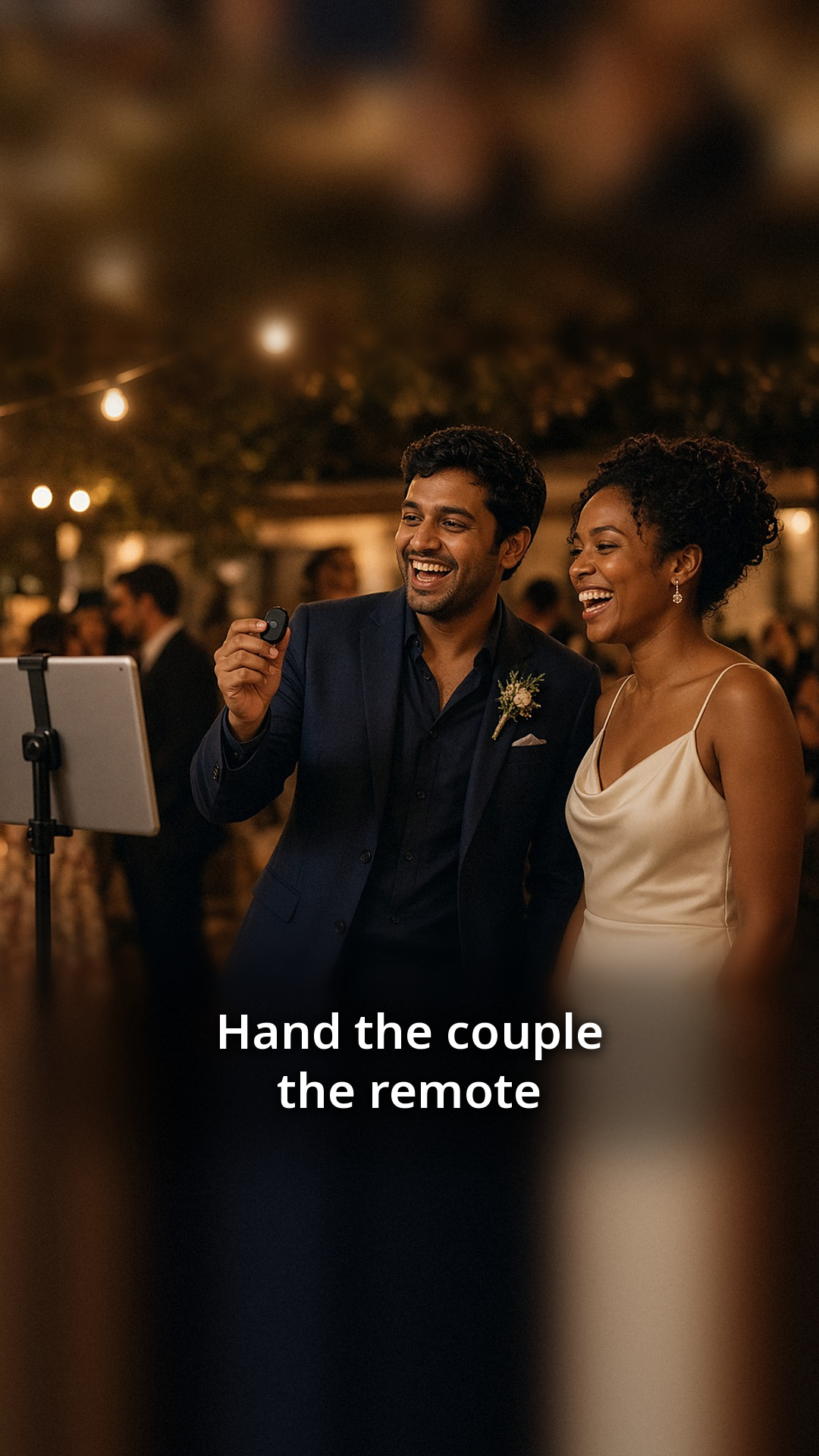
Most couples never get a proper turn at their own photo booth. Guests crowd around it, the line moves fast, and the newlyweds are busy greeting people. A small Bluetooth remote fixes that. Hand it to the couple, and they decide exactly when the countdown starts.
What the remote does
With ZillaBooth Pro, you can turn on Bluetooth Remote Shutter, pair a small Bluetooth shutter remote, and a single click starts the countdown. One press starts the countdown and then all four shots. Four photos later, the couple has a strip of their own. The booth runs the same way for guests, who tap the screen as usual.
It is an opt-in setting, so it does not change anything until you switch it on.
How to set it up
The setup is quick, and it is worth doing a day or two before the reception:
- Open ZillaBooth on the iPad and go to Settings.
- Turn on Bluetooth Remote Shutter in the Pro settings.
- Pair your remote with the iPad as you would any Bluetooth accessory, then test it with ZillaBooth before the event, since remotes vary.
- Run a test session and click the remote once. Check that the countdown starts and four photos are taken.
Try it from the spot where the couple will be standing. Bluetooth works best within a normal room distance, so a short test saves surprises later.
When to hand over the remote
Some couples use it right after the first dance, when the room is buzzing and everyone wants a photo. Others hold it for the end of the night, when the crowd has thinned and they can take a few relaxed strips together. A good rule is to give it to the couple at the start of the reception and let them choose.
If you have a friend acting as the booth contact, ask them to show the couple how to click once and hold still for the countdown.
Prints for the couple
After the session, the couple can print their strip right away. Printing works on every tier through AirPrint, and Pro adds Simple Printing, a one-tap Print button. Keep the printer close to the booth so the couple does not have to walk across the room to collect the print.
A fun idea: keep the first strip of the night for the guest book or the thank-you card.
What it costs
ZillaBooth is free to download. Pro is a monthly or yearly subscription that includes Pocket, and you can see current pricing in the app. If you only need Pro for a wedding weekend, a monthly plan covers it.
Small details that help
- Put a fresh battery in the remote and pack a spare.
- Pair the remote at home, not during the reception.
- Add a “Tap to start” sign so guests know they do not need the remote.
- Make sure the iPad is plugged in and the stand is stable.
Where this fits in your wedding plan
The remote is a nice extra, not a requirement. Your reception booth will work well with just the iPad and a stand. If you are still planning, start with our wedding reception photo booth checklist and add the remote once the basics are in place. The wedding photo booth page also shows how couples set up ZillaBooth at receptions.
Ready to give the couple the remote? See what ZillaBooth Pro includes and test the setting before the big day.


