
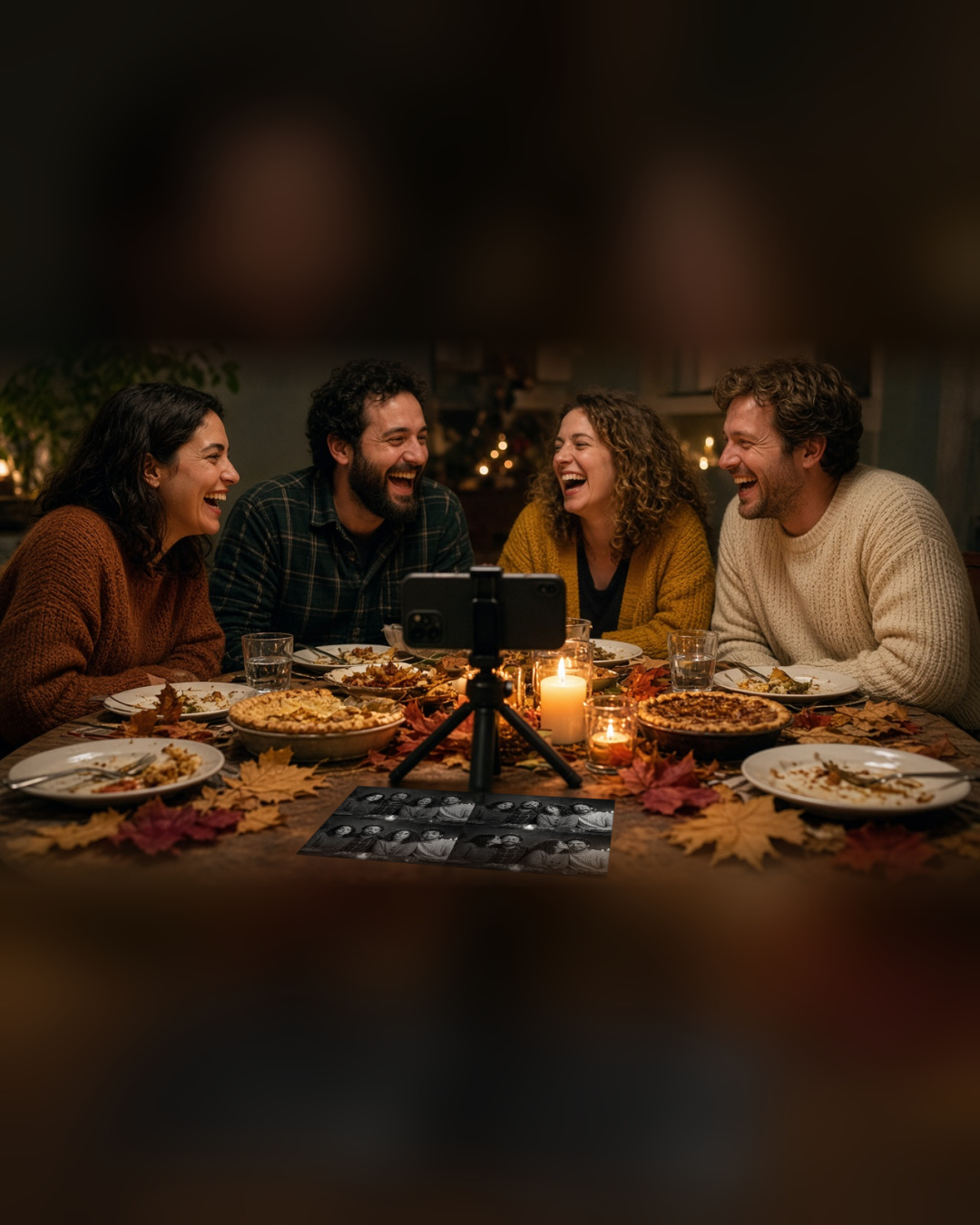
You do not need to buy anything new for a Friendsgiving photo booth. If you have an iPhone, a tripod and a free app, you can make a booth in about five minutes. Here is how to do it so it feels like part of the party, not a project.
What you need
- An iPhone running iOS 26 or later.
- A small tripod or a phone stand.
- ZillaBooth, which is free to download.
- A spot with decent light, such as a bright corner or a lamp near the table.
That is all. There is no account to create and no watermark on the photos.
Set the phone before the pie comes out
Set the phone on a tripod at the end of the table or on a shelf facing the room, before dinner starts. If you do it ahead of time, the first photo is not a scramble. Check that the camera sees the whole table or the couch, and that the phone is steady.
Open ZillaBooth and pick a layout. The app gives you a countdown and four frames, then puts them together as a classic strip or a 2×2 grid. Both layouts are free.
Why four frames beat one
A single group photo usually captures one expression. Four frames capture the whole moment: the serious pose, the silly face, the person who laughs, and the one who sneaks in a kiss on the cheek. The finished grid tells a story, and that is why photo booth pictures feel different from a normal snapshot.
Pocket for extra control
The free version covers the basics. If you want more, Pocket adds adjustable timers, flash control, black and white, and borders. It is a one-time purchase. Many people start free, try one dinner, and decide afterward.
A longer timer is handy at a crowded table, and a bit of flash helps when the room is lit by candles.
Make it part of the evening
A few ideas keep the booth fun without a lot of work:
- Ask each guest to bring one prop, such as a funny hat or a paper turkey.
- Start a pose challenge: formal, silly, surprised, and “dramatic thank-you”.
- Run one session after the main course and one after dessert.
- Share the best grid in the group chat that night.
A note on lighting
Dining rooms are often dim. Turn on a lamp near the phone and avoid putting a bright window behind your guests. If everyone looks like a silhouette, move the tripod a little and try again. A quick test photo before dinner saves frustration later.
Keep the host happy
If you are a guest, offer to handle the booth. The host will be busy with the food, and you will be the hero for taking charge of the photos. If you are the host, ask a friend to be the booth captain and enjoy dinner.
One more thing
You can also try the same idea at other gatherings. The event photo booth app page shows how larger parties use ZillaBooth, and the Pocket page explains what the upgrade adds for home setups.
Ready to set up your table? Download ZillaBooth from the App Store and take a test grid before the guests arrive.


