
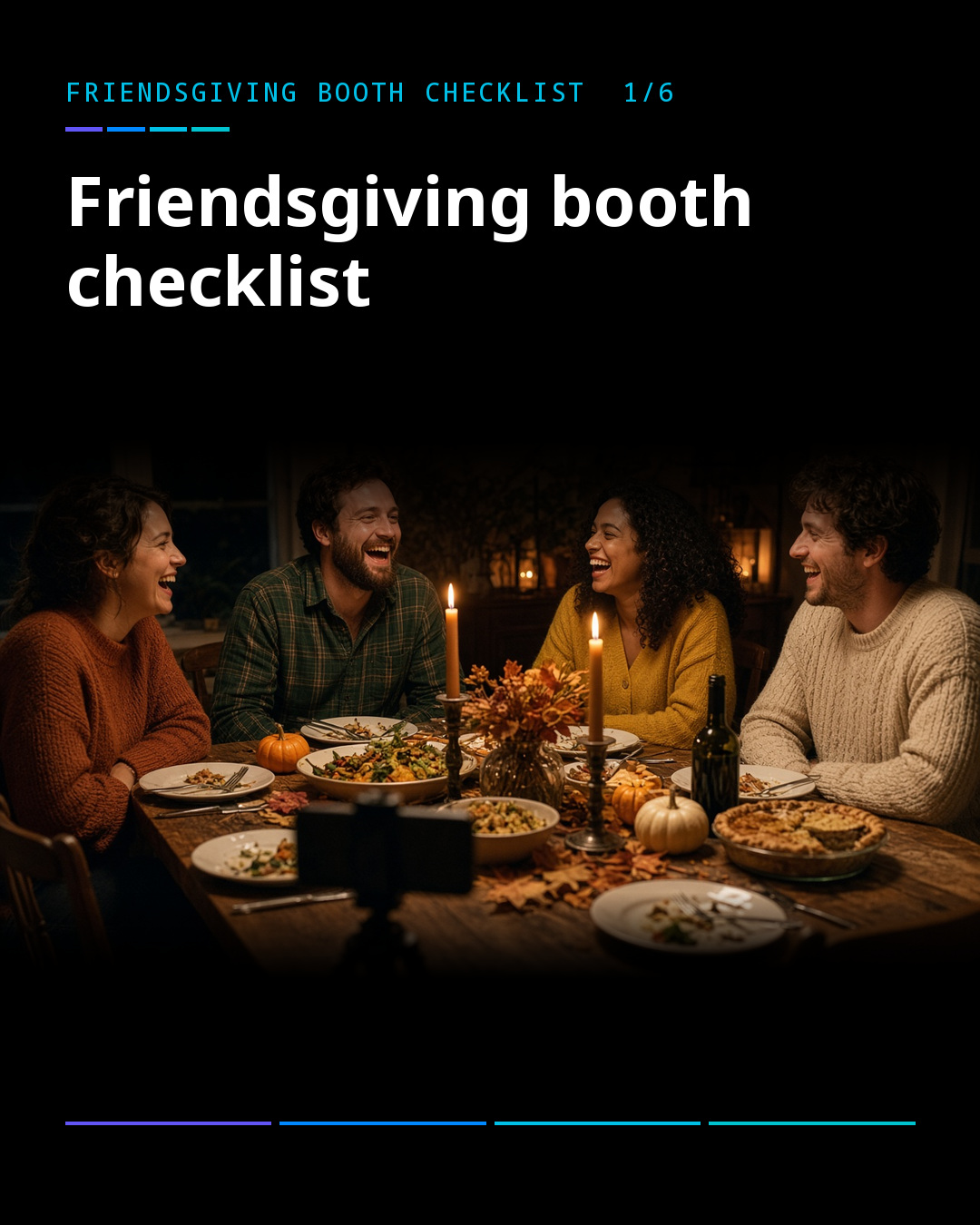
Friendsgiving is the easy kind of holiday. Nobody is flying home, the food is potluck, and the group chat is full of jokes. It also deserves a better photo than one person holding a phone at arm’s length while everyone else leans in. Here is a five-minute photo booth setup that fits on a dinner table.
1. Put the phone on a small tripod
A tiny tabletop tripod is enough. Set it at the end of the table, facing the group, with the camera at about eye level when people sit. Make sure the phone cannot be knocked over by an elbow or a gravy boat.
2. Set a timer so everyone is in it
ZillaBooth takes four photos in a row after a countdown, which is the classic photo booth rhythm. Start it, then everyone gets time to lean in. Pocket adds adjustable timers, so you can give a big group a few extra seconds.
3. Add a little flash for a dim dining room
Candlelit tables look warm in person and murky in photos. With Pocket, you can set the flash to Auto, On or Off, using your device’s flash where it has one. Try a test photo before the pie comes out. If the picture looks flat, turn the flash on. If it looks harsh, move a lamp closer and turn it off. Our lighting guide has more tips.
4. Print one black-and-white grid
A black-and-white print looks great on a fridge, and it hides the odd color from candles and string lights. Pocket includes a black-and-white collage filter, which is the only filter in the app. Printing works on every tier through AirPrint, so if you have an AirPrint printer on your Wi-Fi, you can print the grid at the table.
5. Print one for the fridge
Pick the best grid of the night and print it. Stick it up at home, or hand it to the host as a thank-you. Hosts often remember the dinner for months because of one good photo on the fridge.
What it costs
ZillaBooth is free to download, with classic strips and 2×2 grids and no watermark. Pocket is a one-time purchase. For a one-night dinner, the free app does the job, and Pocket is there if you want more control over timers, flash and the black-and-white look.
A few tips for a smooth dinner
- Charge the phone beforehand, and keep a charger nearby.
- Ask the host to pick the spot early, so nobody has to move plates later.
- Assign a “booth captain” who starts the countdown and makes sure the shy friend is in frame.
- Take one session before dinner and one after dessert. The second one is always funnier.
Send the checklist to the host
If you are not hosting, forward this to whoever is. A simple setup removes the pressure of a photo plan, and everyone gets a picture of the night. You can also see how the same idea works at bigger gatherings on the event photo booth app page.
For a deeper look at what each tier offers, visit the Pocket page. When you are ready, download ZillaBooth from the App Store and run a test grid before the turkey comes out.


