
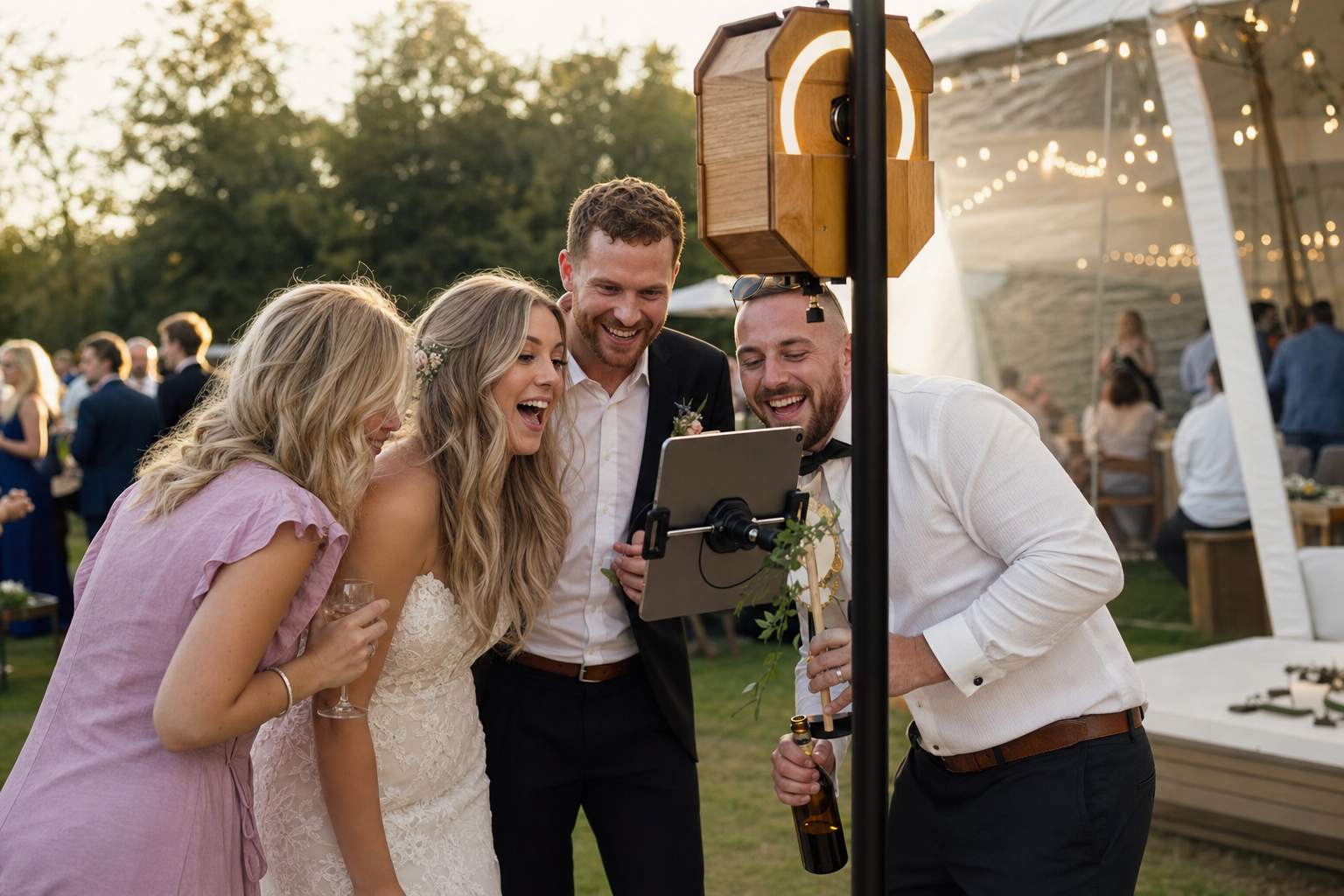
Guest one finishes. Guest two taps nothing because the booth still shows the last session’s share screen. Auto-restart keeps the kiosk ready so the line never stalls on a reset someone forgot to tap.
Available in Pro.
The problem
Self-serve booths die quietly in the idle state after a share or print. The next guest assumes it is broken, staff scramble to reset, and throughput collapses during peak hours. Manual restart is fine for demos—it fails when two hundred guests expect rental-grade reliability.
Why it matters
- Return the booth to ready state automatically after each session
- Keep lines moving without staff resetting between guests
- Reduce abandoned attempts from confused walk-up users
- Support guest-led kiosks at weddings and brand activations
- Pair with attention shutter so each guest sees the same clear starting point
Who it’s for
Auto-restart is essential for Pro operators running guest-led booths: self-serve venue booths, festival kiosks with volunteer rotation, and operators who measure success in sessions per hour.
Real-world moments
- A wedding reception iPad kiosk resets automatically during peak dance-floor line surges
- A trade show booth runs guest-led during keynote blocks, locked with Guided Access
- A venue weekend kiosk stays ready between groups without a manual reset
How ZillaBooth delivers
Pro’s auto-restart returns the booth to a ready capture state after guests complete sharing, printing, or other session endings. Combined with Guided Access (with Pro, the screen stays on and Settings stay hidden) and the confirmation animation, it delivers the always-on reliability guests expect from rental booths.
A pro booth is ready for the next guest before they step up.
Does auto-restart work after Simple Printing?
Yes. Auto-restart keeps kiosk flow continuous after print and share completions.
Can I disable auto-restart for styled sessions?
Pro event controls support pro workflows; configure behavior during pre-event setup.
Which tier includes auto-restart?
Auto-restart is part of ZillaBooth Pro, a monthly or yearly subscription.
How does auto-restart relate to keeping the screen on?
With Guided Access or Single App Mode on, the screen stays on all event, and auto-restart resets the session. Together, with Auto-Lock set to Never and the iPad plugged in, they keep the booth running.


