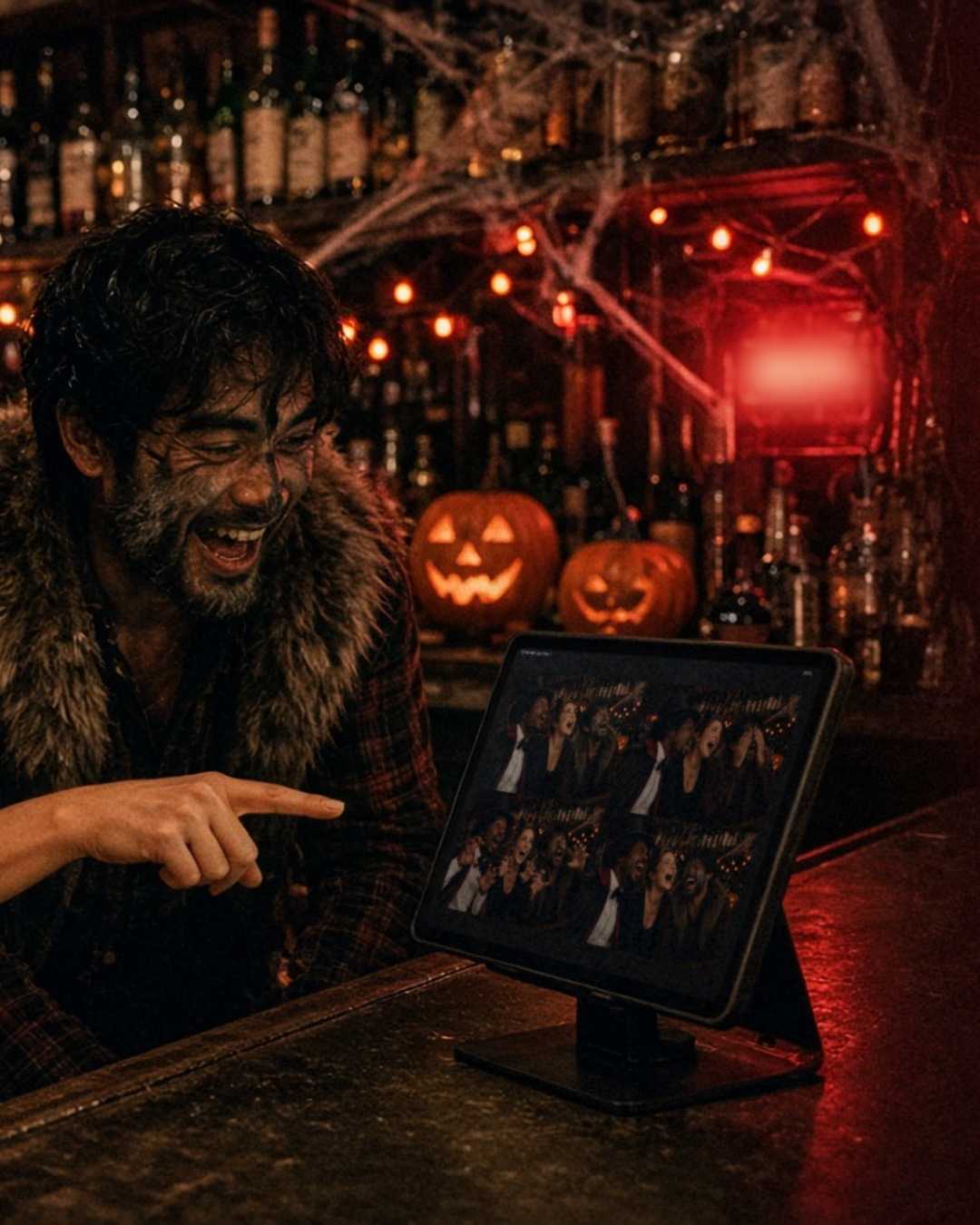
Halloween night at the bar is loud, crowded and full of costumes people spent weeks on. It is also a great night for a photo booth, because groups already want to pose and show off. Here is a simple way to run one that tells the story of the night in four frames.
Four prompts, one grid
ZillaBooth takes four photos in a row after a countdown and puts them together as a 2×2 grid. That structure gives you a built-in storyline. Tape four prompts next to the iPad and let the costumes direct themselves:
- Everyone looks up.
- Someone hides their eyes.
- Claws out.
- The whole crew screams.
Guests do not need instructions beyond that. The countdown does the rest, and the finished grid reads like a tiny horror movie.
Where to put it
Place the iPad on a stand at the end of the bar, where people are already waiting for drinks. Keep it out of the main walkway so the line does not block the bartenders. If your bar has a dim corner near the back, that works too, as long as you add a bit of light on faces. One small lamp in front of the booth is usually enough.
A quick check before opening:
- Take a test grid with a staff member in costume.
- Make sure the iPad is plugged in and the stand is steady.
- Wipe the screen. Fingerprints show up under purple light.
Prints and shares
Guests love a physical keepsake, and a bar is a natural place for one. Printing works on every tier through AirPrint, so an AirPrint printer behind the bar is all you need, and Pro adds Simple Printing, a one-tap Print button. Guests can also share the grid from the iPad to their own phones, which spreads the picture around social media long after last call.
Make it feel like your bar
If you plan to run this more than once, a little branding helps. With Pro, you can add your own PNG overlay to every grid, such as the bar’s name or a Halloween border. Guests post the picture, and your name goes along with it.
For a long night, Apple’s Guided Access locks the iPad to ZillaBooth, and with Pro, Hide Settings keeps the settings button out of sight. That way a curious guest cannot wander out of the app halfway through the evening.
Staff tips
Bartenders are busy, so the booth should not add to their work. A few things help:
- Assign one person to check the paper once an hour.
- Put a “Tap to start” sign on the stand.
- Keep a small tray of props, such as fangs and hats, at the end of the bar.
- Let the first group of the night take a few practice photos so others see how it works.
Why this works
A photo booth gives guests a reason to stay for one more round, and it gives the bar a reason to get tagged in photos. For more ideas on how venues use the night out as a marketing moment, see our post on bar and nightclub marketing. You can also read more on the event photo booth app page.
Planning a booth night? Look at ZillaBooth Pro for overlays and printing, or start free and run a test grid this week.