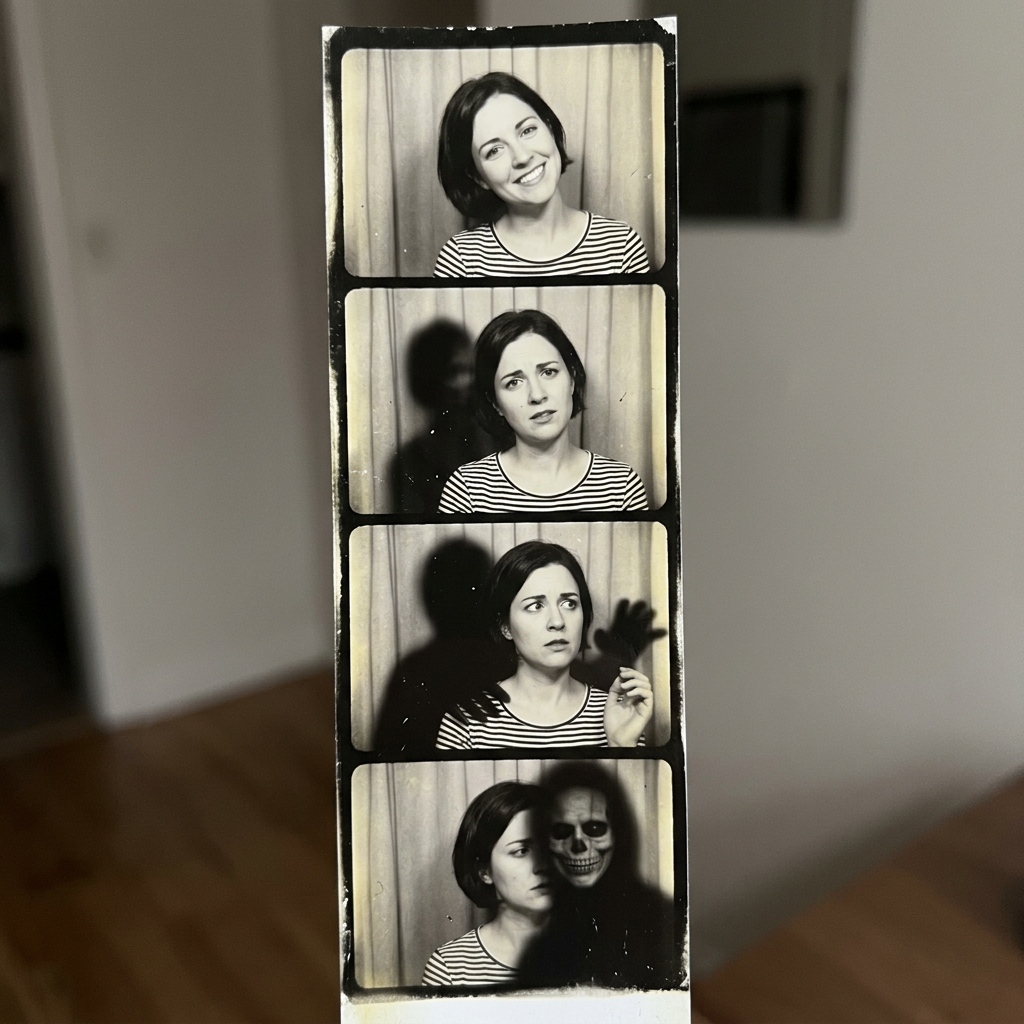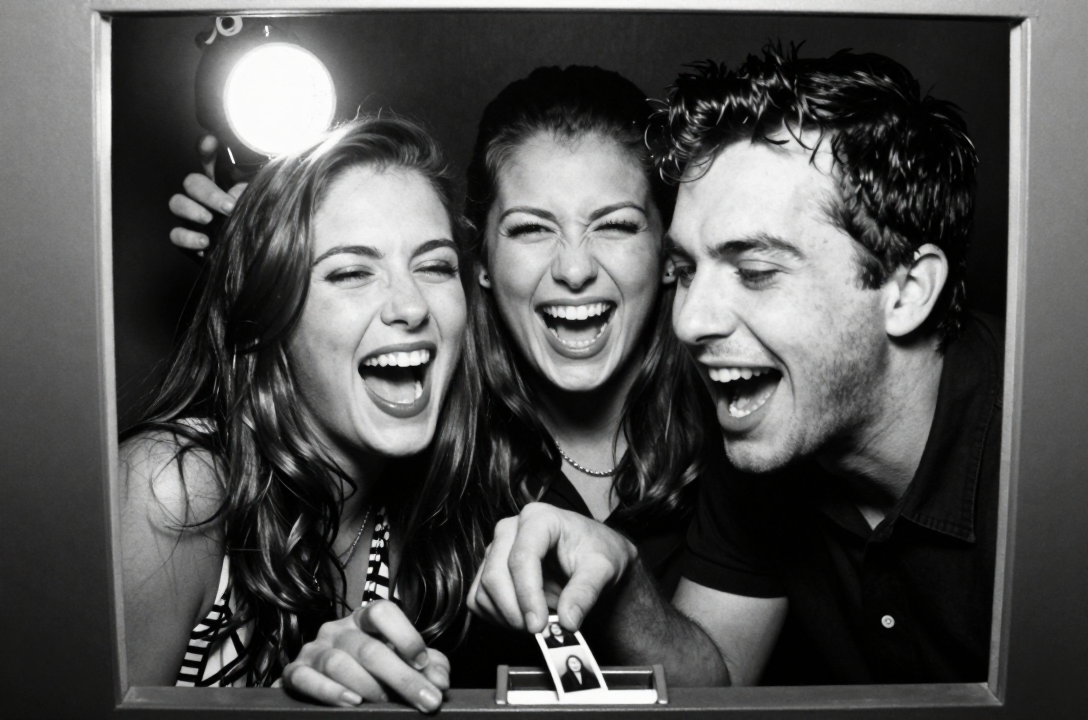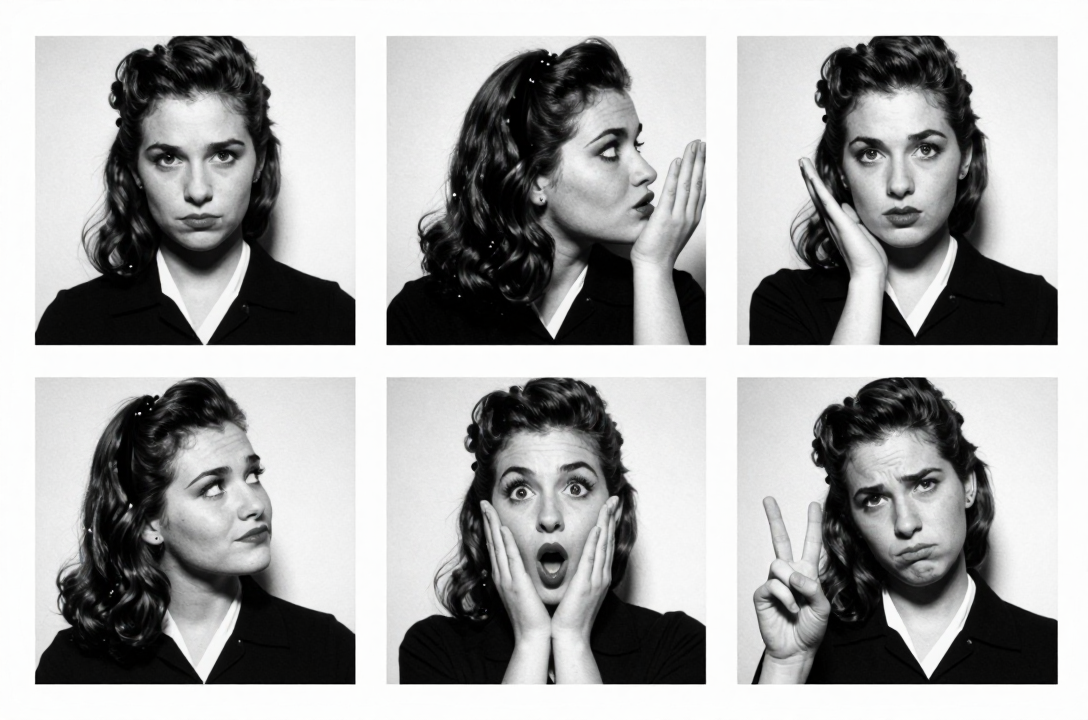
The magnetic pull of the photo booth is a phenomenon that transcends trends and generations, and nowhere is this more evident than in the private, unguarded moments captured by the world’s most recognizable faces. While the digital age bombards us with meticulously curated, high-resolution selfies and professional photo shoots, the classic photo booth strip…with its high-contrast aesthetic, cramped intimacy, and unpredictable framing…remains the ultimate vehicle for authentic, unfiltered celebrity expression. From the political elite of the mid-century to the avant-garde rock stars of the 1970s, the humble photo booth has served as an unlikely, four-panel canvas for history’s most iconic relationships and personal styles.
Celebrities didn’t just pose in photo booths; they used them as private confessionals, tiny stages where they could shed the persona of their public image. The inherent limitations of the booth are what made it liberating: no photographer to direct them, no studio lights to adjust, just a curtain drawn against the world and a strict, unforgiving timer. What emerged was raw, spontaneous, and utterly captivating. These strips are more than just photographs; they are cultural artifacts, distilling complex narratives into four perfect frames.
Today, thanks to the creative power of modern technology like ZillaBooth styling, we don’t need a vintage machine to capture that specific magic. We can get close to the lighting, the high-contrast drama, and the framing of these iconic celebrity strips right from a phone or iPad. This is the ultimate “Get the Look” guide, breaking down the technical and emotional blueprint of the most famous celebrity photo booth strips and showing you how to get close with ZillaBooth’s simple controls.
The Timeless Appeal of the Booth
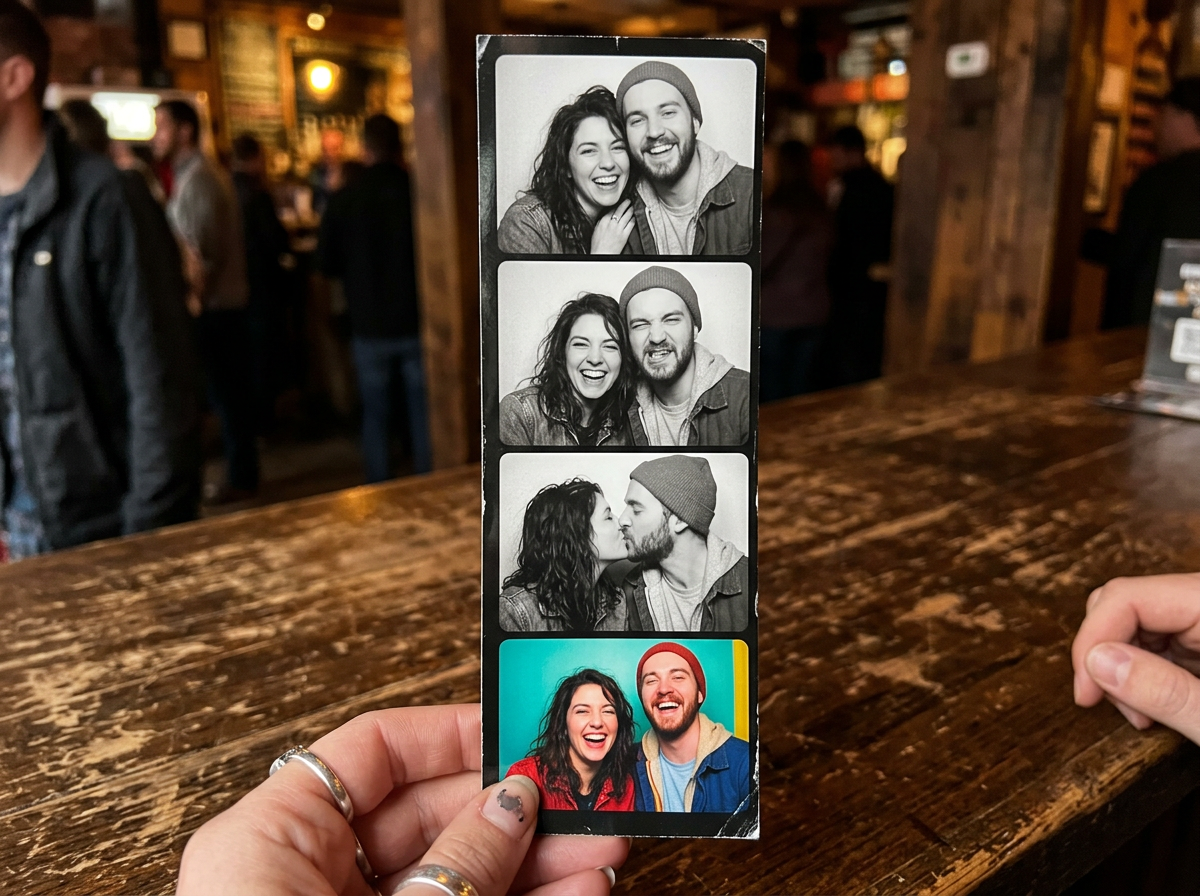
Why the enduring obsession? The photo booth strips from the 1950s through the 1980s were produced by a photochemical process known for its distinctive look: deep, inky blacks, pure white highlights (often blowing out the skin tones), and a generous, visible grain. This high-contrast, black-and-white (or sometimes sepia) aesthetic is instantly evocative of an analog past. For celebrities, the booth offered a cloak of invisibility…a safe space to be playful, passionate, or even political without the mediation of a press photographer. The four-frame grid forces a sequence, telling a mini-story in a single strip: the slow approach, the surprise kiss, the sudden laugh, the final intimate gaze. This narrative arc is the secret sauce.
The Iconic Strips: A ‘Get the Look’ Breakdown1. The Presidential Intimacy: JFK and Marilyn (The Hypothetical Booth)
While the famous JFK and Marilyn Monroe photo booth strip may exist only in the realm of artistic interpretation and collective cultural fantasy, the mood it represents…covert, conspiratorial, and intensely intimate…is a perfect style to recreate. Imagine the strip: two famous faces close together, perhaps one frame showing a secret shared smile, another a moment of profound, hushed connection.
The Aesthetic Blueprint:
This look is defined by soft, even light (suggesting a well-maintained, mid-century booth) and a palpable sense of clandestine closeness. The contrast should be strong but not brutal, maintaining detail in the shadows to convey the depth of the moment. The framing is tight, head-and-shoulders only.
Get the Look with ZillaBooth: Soft Black and White
To capture this, you need the balance between elegance and rawness. * Filter Setting: Turn on ZillaBooth’s black-and-white filter. It’s the only filter in the app (a Pocket feature), and it’s all you need here.
* Light: Use soft light from the front. It brings out the deep blacks in hair and suit fabric without washing out skin.
* Border and Layout: Pick the 1×4 strip layout and add a thin white border (border control comes with Pocket) for that classic strip look.
* Posing Key: Huddle close. The subjects should be cheek-to-cheek, looking either directly and conspiratorially at the camera, or at each other in a shared, private moment. Focus on subtle movements, like a quick wink or a hand over the mouth.2. The Pop Art Playfulness: Andy Warhol and Friends (The Factory Aesthetic)
Andy Warhol was a connoisseur of the photo booth, recognizing its potential as a democratic, mass-produced form of portraiture. His strips…often featuring him with Jean-Michel Basquiat, Edie Sedgwick, or other Factory denizens…are defined by sheer, vibrant energy, and a purposeful lack of seriousness. They often featured props, dramatic poses, and a sense of chaotic fun.
The Aesthetic Blueprint:
This look is all about high, aggressive flash that creates extreme shadows and blown-out backgrounds. It’s the raw, unforgiving light of a late-night downtown event. The contrast is maximized. The poses are rapid, performative, and sometimes a little blurry from movement.
Get the Look with ZillaBooth: Hard Flash
We want the harsh, raw lighting that Warhol loved, focusing on the high-contrast aesthetic of the 1970s and 80s photo booth. * Filter Setting: Turn on the black-and-white filter.
* Flash Control: This is critical. Set ZillaBooth’s flash to on (flash control comes with Pocket). You want the light to overpower the ambient setting, flattening the faces and creating sharp, almost silhouette-like shadows behind the subjects.
* Layout: Pick the 2×2 grid instead of the vertical strip. Warhol often used this format to mimic his screen-printed canvases.
* Posing Key: Use a prop (sunglasses, a wig, a can of soup…anything). Move fast between frames. Don’t worry about being perfectly centered; the off-kilter, chaotic framing adds to the spontaneous, Factory-party vibe.3. The Avant-Garde Statement: John Lennon and Yoko Ono (The Bed-In Booth)
The iconic photo booth strip of John Lennon and Yoko Ono, often taken during their conceptual art and peace protests, embodies a sense of unified, loving defiance. Their strips are typically minimalist, focusing purely on their faces, their connection, and their signature long hair. They are serious, direct, and often feature the two of them side-by-side, head-to-head, or sharing a profound, unblinking gaze into the lens.
The Aesthetic Blueprint:
Purity and Directness. The lighting should be extremely uniform, almost clinical, suggesting the stripped-down honesty of their political and artistic statements. The strip often runs vertically, emphasizing the direct, column-like presentation of their unity.
Get the Look with ZillaBooth: Clean Black and White
This look requires a cleaner, more focused contrast…less about party chaos and more about statement clarity. * Filter Setting: Turn on the black-and-white filter.
* Light: Add a soft light or face a window. This brightens the darkest areas, reducing the harshness seen in the Warhol aesthetic, allowing for more facial detail and focusing the viewer on the subjects’ eyes.
* Layout: Pick the classic 1×4 strip with no border. The raw, full-bleed image on the paper is crucial for the feeling of unmediated reality.
* Posing Key: Look straight at the camera with an intense, neutral, or softly smiling expression. The key is eye contact. In the sequence, try one frame looking away (a classic artistic shot) and three frames of direct, unblinking eye contact with the camera, emphasizing the viewer’s confrontation with their message. A kiss or a simple head-to-head lean also works perfectly to convey their unity.—–Mastering the ZillaBooth Style: Your ‘Get the Look’ Toolkit
Recreating the specific photochemical look of these vintage strips requires moving beyond a simple Instagram filter. ZillaBooth keeps it simple: a few controls that get you most of the way to the mood of the originals.
The Four ZillaBooth Controls That Matter
The magic of the old photo booth was in the errors…the lack of light diffusion, the visible chemical grain, the uneven cutting of the strip. You can’t fake every flaw, but these four controls get you close.1. The Black-and-White Filter
The first step in any celebrity ‘Get the Look’ is controlling the contrast precisely. The old machines had one setting: ON. They didn’t adjust for scene lighting, leading to the signature black-out shadows and brilliant highlights. * ZillaBooth Setting: Turn on the black-and-white filter in Settings. It’s the only filter ZillaBooth has.
* Action: Control contrast with light instead. Soft light gives the gentler JFK/Marilyn look; hard, direct light gives the Warhol look.2. Flash Control
The old photo booth flash was a single, non-diffused light source placed directly next to the lens. This is what causes the unique “paparazzi aesthetic” that flattens the subject and casts harsh, unmistakable shadows. * ZillaBooth Setting: With Pocket, set the flash to on. In a dim room, it fires every time, just like the old booths.
* Advanced Action: Stand close to a plain wall so the flash throws a hard shadow behind you. It works especially well for the Warhol style.3. Timers
Authenticity is in the timing. The old booths fired on their own schedule, and that’s where the candid frames came from. * ZillaBooth Setting: Adjust the countdown timer (a Pocket feature).
* Action: Use a short timer and keep moving between frames for chaotic Warhol energy, or a longer one for posed, classic frames. ZillaBooth doesn’t add grain or light leaks, so if you want them, add them later in an editing app.4. Layout and Borders
The final presentation…how the images are cropped and mounted…is just as important as the picture itself. * ZillaBooth Setting: Choose your layout and border.
* Action: Pick the 1×4 strip or the 2×2 grid. If you print, matte paper in your printer adds to the vintage mood. Then, experiment with borders…a thin border looks mid-century elegant, while a thicker one leans 1980s DIY punk.By using ZillaBooth’s simple controls, you’re not simply taking a photo of a celebrity; you are engaging with the very spirit of their private, unfiltered moment. You are translating the high-contrast drama of a photochemical reaction into a modern, shareable artifact. The celebrity love affair with the photo booth was a quest for honesty and fun in an over-photographed world. Now, with ZillaBooth styling, that legacy is yours to recreate, frame by imperfect, iconic frame. So draw the curtain, set the timer, and channel the raw, intimate energy of the famous faces who came before you.