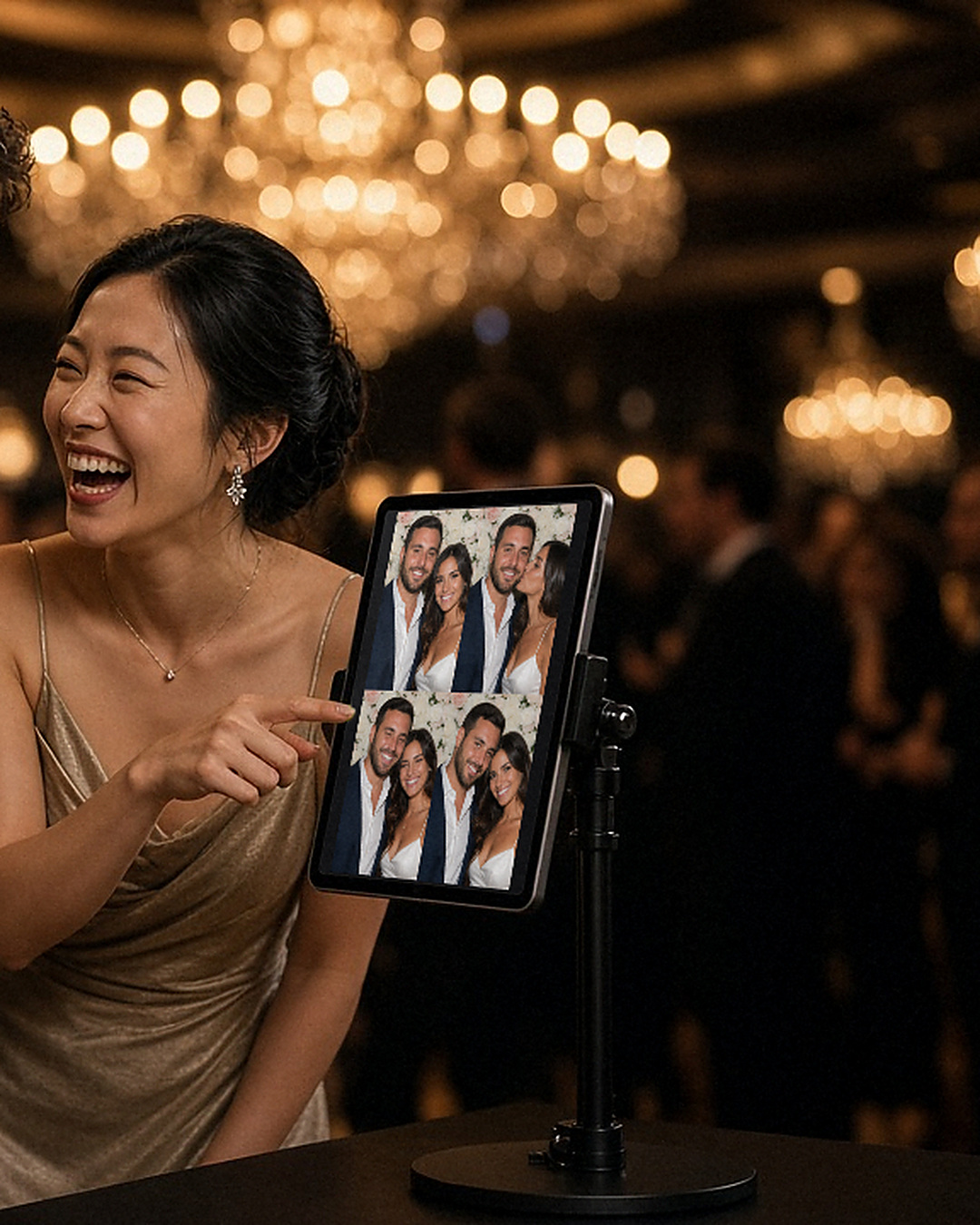
The rehearsal dinner is the calm before the wedding. The wedding party is relaxed, family is meeting for the first time, and nobody is in a rush. That makes it the best moment to try out your photo booth, and a very good excuse to take the first photos of the weekend.
Why test at the rehearsal dinner
Running the booth the night before gives you three things.
First, a real test. You will see how long a session takes, where the stand works best, and whether the light is flattering. Second, a trained group. The wedding party will know how the booth works, so they can show other guests the next day. Third, a head start on the guest book. If you are planning a photo guest book, a few early strips already fill the first page.
Keep it low-key
A rehearsal dinner is not a full reception, so the booth should be simple. Put the iPad on a stand near the tables, where people are already milling around. Open ZillaBooth, choose a 2×2 grid, and let people walk up on their own.
The countdown does most of the directing. Guests tap, pose, and see the finished picture in a few seconds. A small sign that says “Tap to start” helps.
A few things to find out
Use the evening as a rehearsal in the proper sense. Check these items:
- Who hogs the frame, and who needs a nudge to join in?
- How loud is the room, and can guests hear the countdown?
- Which pose wins? Every group has one.
- Does the stand sit steady on the floor or table you plan to use?
- Is the light soft enough, or do you need a lamp in front?
Write down what you learn. You will use it the next day.
Prints and email
If you want to try printing, printing works on every tier through AirPrint, so any AirPrint printer on the same Wi-Fi is enough to test. You can also share the pictures from the iPad. A printed strip makes a lovely thank-you for parents and grandparents.
If you plan to use a names-and-date design at the reception, Pro lets you add your own PNG overlay to every picture. The rehearsal dinner is a great time to check that the text is readable on the iPad screen. The Pro page has the details.
Who should be the booth friend?
Ask one person in the wedding party to take charge. They do not need to be technical. They just need to remember where the paper and charger live and be willing to show guests how to start. By the reception, that person will be a pro.
What to do afterward
Look through the test pictures with the wedding party. Pick a favorite and save it for the slideshow or the thank-you card. If anything looked off, adjust the stand, the light or the printer location before the big day.
For a full plan for the reception itself, read our wedding reception photo booth checklist. You can also see how couples use ZillaBooth on the wedding photo booth page.
Want to try it this weekend? Download ZillaBooth from the App Store and set up a warm-up round.