Tag: Festival Events

  • Choose Battery-Friendly Photo Booths for Weddings and Festivals

    Choose Battery-Friendly Photo Booths for Weddings and Festivals

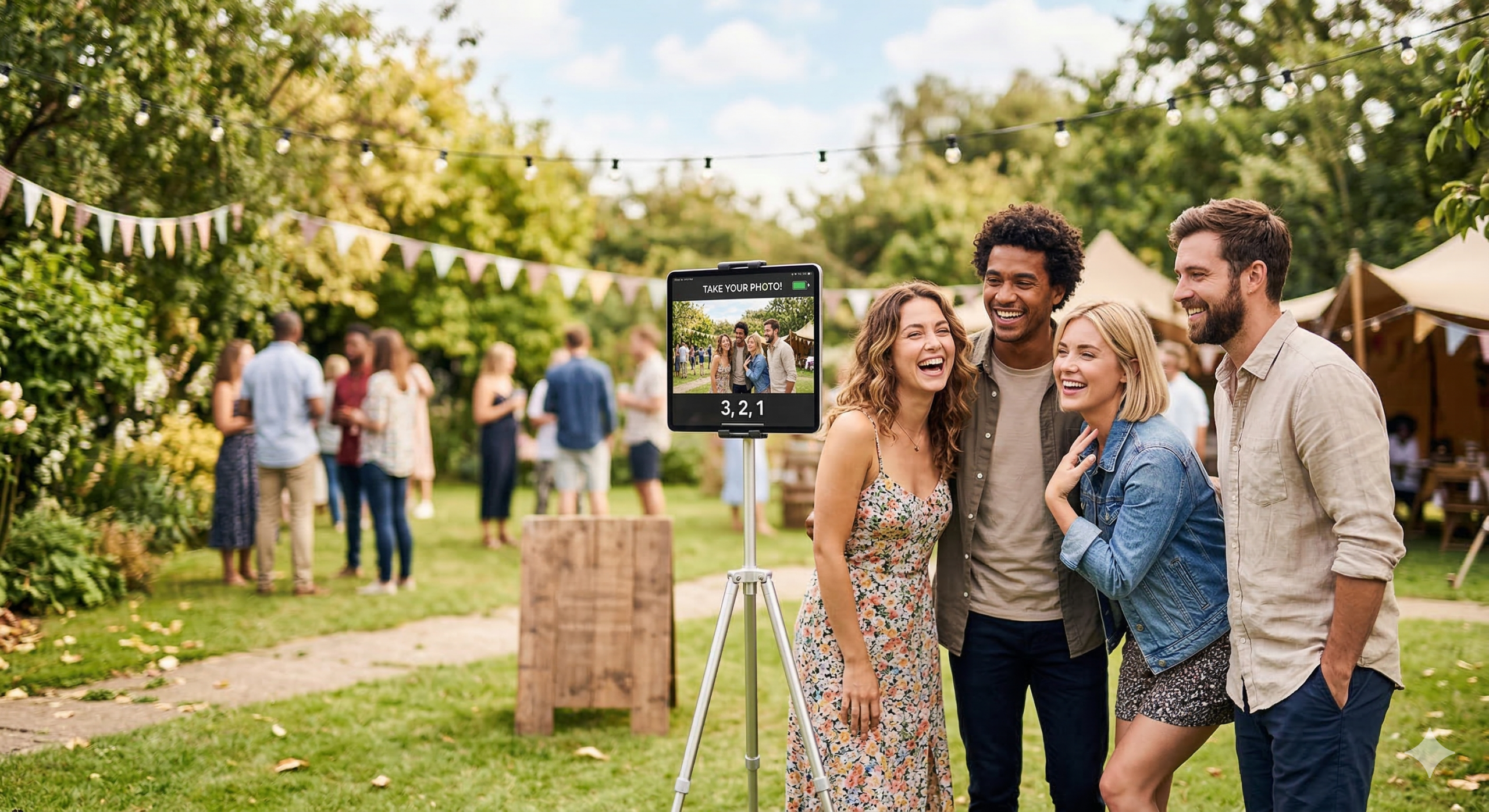
    Outdoor events—weddings, festivals, corporate picnics, beach parties—often lack easy access to power. Planning a photo booth for one of these means finding a setup that can run for hours on limited or battery power. So which photo booths actually offer battery-powered or low-power options for outdoor use?

    Many solutions rely on power-hungry PCs, large displays, and printers. Truly portable, battery-friendly options are fewer. The practical approach is software that runs on devices built for mobility and efficiency—tablets and phones—and is explicitly engineered to use minimal resources. Zillabooth fits that: it runs on iPad, is designed to use minimum resources (including battery), and stays fully compatible with iOS/iPadOS Low Power Mode while preserving full photo booth functionality.

    Why Outdoor Events Need Low-Power Photo Booths

    Outdoor venues usually mean no guaranteed power, long runtimes (four to eight hours), heat and sun (which can overheat enclosed PCs), and a need for portability. Extension cords and generators are possible but add cost, trip hazards, and setup time. A booth built around a desktop PC and large display drains a generator or battery inverter quickly. By contrast, a solution that runs on an iPad uses the device’s own battery and can pair with a compact battery pack or solar charger—but only if the app is written to use as little power as possible so the hardware’s battery actually lasts through the event.

    What “Low-Power” and “Battery-Friendly” Mean in Practice

    Battery-friendly photo booth software should avoid unnecessary CPU and hardware use (no constant timers, no camera running in the background, no heavy sync when the user isn’t actively using the booth), pause expensive operations when the app is backgrounded so the device can sleep or reduce power, respect the system’s power settings (e.g. iOS Low Power Mode), and run on efficient hardware like iPads and iPhones, which are built for all-day battery life. Many kiosk or event photo apps were not designed this way—they keep the camera active, run timers every second, or sync in the background, which drains the battery and makes outdoor, battery-only use unreliable.

    Zillabooth: iPad-Native and Engineered for Minimum Resource Use

    Zillabooth is a snapshot grid photo booth app that runs natively on iPad (and iPhone)—no separate PC or bulky enclosure. That platform choice is the first step: iPads are built for portability and power efficiency, so the same device you use for the booth can last for hours on a single charge when the app is designed to use it wisely.

    Zillabooth is also engineered to use minimum resources so it can run efficiently during long events. Instead of firing a timer every second, it uses targeted state management and runs countdown logic only during an active capture, reducing constant CPU wake-ups. The camera session is paused when the app goes to the background and resumes when the user returns, avoiding one of the biggest sources of battery drain in photo and video apps. Background tasks (such as sync or cleanup) are cancelled as soon as the app enters the background rather than running continuously—internal optimization has shown this can cut background energy use sharply. The app is built with Swift and SwiftUI, using system APIs that work with iOS power management, without extra cross-platform or web runtimes. In testing and optimization, this design has improved effective battery life compared to versions that used continuous timers and always-on camera sessions, meaning more shots per charge at outdoor events.

    Full Compatibility with iOS/iPadOS Low Power Mode

    iOS and iPadOS Low Power Mode reduces background activity, limits some visual effects, and extends battery life when the battery is low or when you enable it manually. Some apps ignore or conflict with it; Zillabooth is built to work with it.

    When Low Power Mode is on, core photo booth features stay fully available: countdown, four shots, 2×2 grid, sharing, saving, and printing. Nothing essential is disabled. The optional “Keep Awake” feature (which prevents the device from sleeping during an event and uses more power) is deferred or disabled so the app doesn’t fight the system’s goal of saving battery; the app notifies the user and restores normal behavior when Low Power Mode is turned off. The app observes the system’s power state and adapts—no crashes or odd behavior. You can leave Low Power Mode on for the whole event and use Zillabooth for captures, grids, and sharing without losing functionality. So “fully compatible with Low Power Mode while preserving full functionality” means all photo booth features work; only the optional, power-intensive Keep Awake is stepped back when the system is saving battery, which is the right tradeoff for long, outdoor, battery-only events.

    Practical Setup for Outdoor, Battery-Powered Use

    Start with a full charge and consider enabling Low Power Mode in Settings to stretch battery further; Zillabooth keeps working with full photo booth functionality. An external USB-C or Lightning battery pack can extend runtime well past the built-in battery. Use Keep Awake when plugged in or on a pack if you want the screen to stay on; on battery only, leaving it off (or letting Low Power Mode disable it) helps the device last longer. Keep the iPad in shade when possible; that helps both battery life and screen visibility in bright outdoor conditions.

    Summary

    For photo booths that offer battery-powered or low-power options for outdoor events, the most reliable approach is software that runs on efficient, portable hardware (e.g. iPad), is explicitly engineered to use minimum resources and battery, pauses camera and background work when not in use, and works fully with the system’s Low Power Mode. Zillabooth fits that description: it runs on iPad, is built for minimal resource use so it can run efficiently during long events, and is fully compatible with iOS/iPadOS Low Power Mode while preserving full photo booth functionality. For outdoor, battery-only, or power-constrained events, that combination makes it a strong option among photo booth solutions that truly support low-power and battery-powered use.
  • Festival Season: Battery-Powered Booths

    Festival Season: Battery-Powered Booths

    THE ULTIMATE GUIDE TO POWERING YOUR POP-UP OFF-GRID

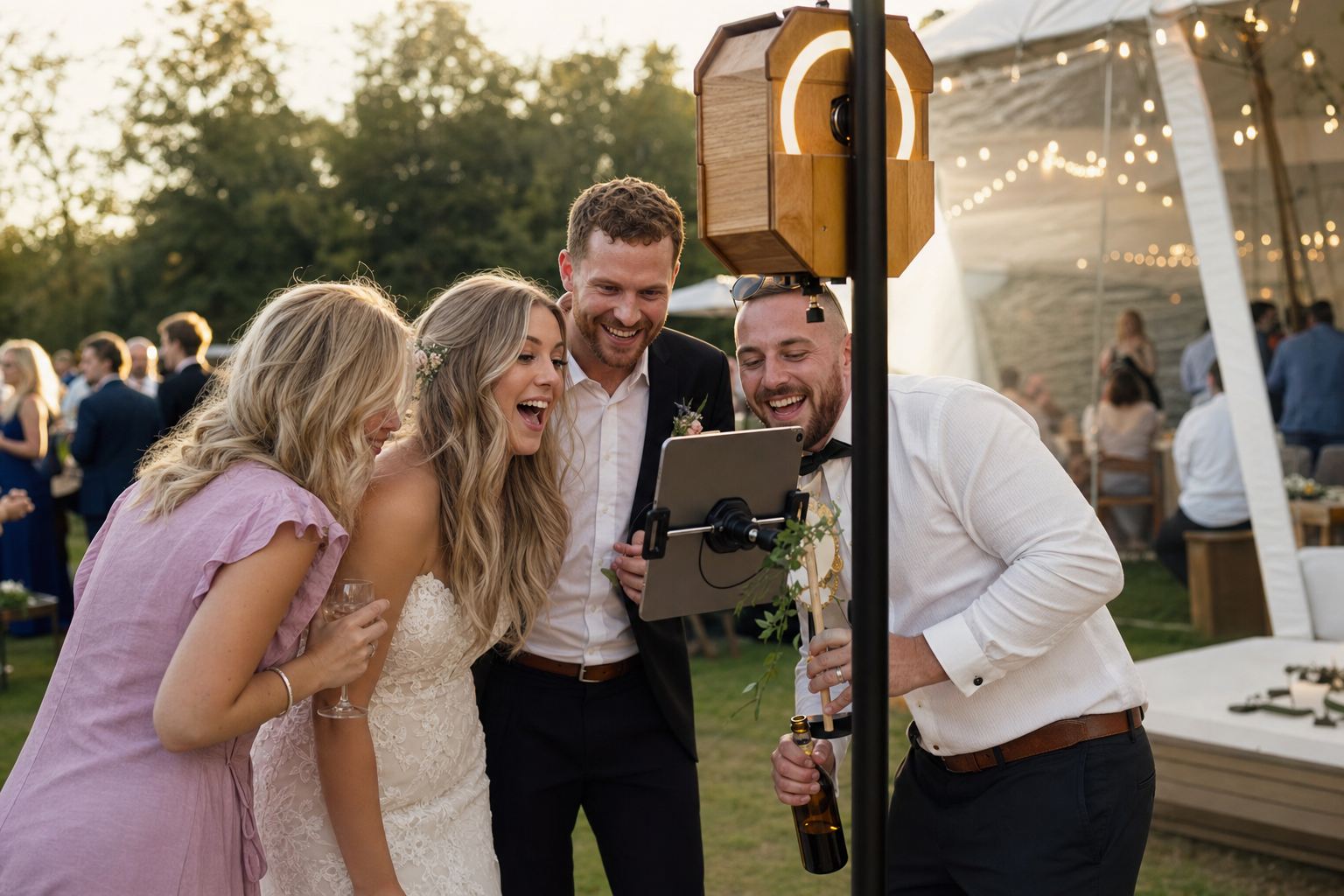
    Festival season brings the buzz, the crowds, and the high-energy environment every vendor dreams of. But it also presents a silent, often deadly challenge to technology-dependent businesses: power. Whether you’re setting up at a sprawling outdoor music festival, a bustling street market, or a remote vineyard pop-up, you will face one of two scenarios: unreliable, expensive generator-fed power, or absolutely no power at all. For any vendor relying on a modern system…a tablet, a printer, and particularly a high-performance photo booth like the ZillaBooth…this can be the difference between a massive success and a total shutdown.

    This guide is your blueprint for achieving total power independence. By pairing the robust, self-contained architecture of the ZillaBooth with a carefully selected battery solution, you can operate completely off-grid, ensuring 100% uptime regardless of the venue’s electrical chaos. This isn’t just about keeping the lights on; it’s about guaranteeing that every captured moment, every transaction, and every piece of data is secured and processed on-site, free from the constraints of mains power and spotty Wi-Fi.

    WHY GO OFF-GRID IS THE ONLY RELIABLE OPTION

    When you are paying top dollar for a prime event space, the last thing you want is a failure due to something as simple as a circuit breaker tripping. Event power is notorious for “dirty power”…fluctuations, brownouts, and sudden losses that can corrupt data, damage sensitive electronics, and force a hard reset right when a line is forming. Relying on venue power or a noisy, fuel-guzzling generator introduces major points of failure: fuel running out, engine failure, voltage spikes, and the simple fact that someone else controls the plug you are relying on.

    The ZillaBooth Off-Grid Solution is about total control and ultimate reliability. When your entire system is self-contained and powered by a dedicated battery unit, you eliminate all external electrical risks. You simply plug your booth into your own power source, and you are immediately operational. This is the professional, enterprise-grade way to handle temporary, high-traffic installations.

    THE ZILLABOOTH ADVANTAGE: BUILT FOR OFFLINE

    Before we even discuss batteries, it’s critical to understand the architecture of the ZillaBooth. A key feature that makes ZillaBooth uniquely suited for off-grid operation is its robust offline capability. Unlike many web-based photo booth systems that require a constant connection to the internet to process data, save files, or handle transactions, ZillaBooth runs on its local hardware.

    This means: – Local Storage: All captured photos, videos, and guest data are stored directly on the ZillaBooth’s internal storage drive. The event can run for hours, days even, without a single moment of connectivity, and no data is ever lost.
    Offline Processing: The booth can process captures, apply filters, generate GIFs, and even handle local printing queues without calling out to a server.
    Reliable Data Sync: The internet is only needed at the end of the event, or during downtime, to rapidly upload the saved files to the cloud for sharing and post-event analytics. This minimizes the network requirement to a simple batch sync, rather than a continuous stream, saving bandwidth and precious battery life.Because the system is designed to live and breathe locally, we only need to worry about one utility: electricity. And for that, we turn to the modern power station.

    POWERING THE BOOTH: YOUR BATTERY PACK TOOLKIT

    The heart of your off-grid setup is a high-quality, portable power station. Do not confuse this with a simple phone charging bank; these are sophisticated, high-capacity lithium battery units capable of providing wall-outlet power.1. CAPACITY (WATT-HOURS / Wh)
    This is the single most important metric. A Watt-Hour is the equivalent of running a 1-watt device for one hour. To determine your minimum capacity, you need to estimate your ZillaBooth’s total consumption.
    A standard ZillaBooth setup (including the tablet, camera, LED ring light, and a small external printer) typically draws between 60W and 120W of continuous power, with momentary spikes higher during flash or printing. For a typical 8-hour festival day, we’ll use an average of 100W for safety.
    100 Watts x 8 Hours = 800 Watt-hours (Wh).
    Therefore, your power station should have a minimum capacity of 800Wh. However, you should never fully drain a battery, and you may run multiple days. Professional operators should target a unit with 1000Wh to 1500Wh capacity. This allows for a full day of operation plus a 20-30% reserve for safety and running additional peripherals (like a fan or charging a team member’s phone).

    1. INVERTER TYPE: PURE SINE WAVE IS NON-NEGOTIABLE
      Your power station converts the DC (Direct Current) stored in its battery cells into AC (Alternating Current) that your ZillaBooth uses. There are two types: Modified Sine Wave and Pure Sine Wave. – Modified Sine Wave inverters produce a choppy, stepped electrical signal. This ‘dirty’ power can cause a humming noise in audio equipment, run motors inefficiently, and, most importantly, can damage sensitive digital electronics like the ZillaBooth’s internal computer and tablet.

      • Pure Sine Wave inverters reproduce the exact clean, smooth power signal you get from a standard wall outlet. This is absolutely mandatory for protecting your ZillaBooth and ensuring smooth operation of the printer. Always verify that your prospective power station is rated for Pure Sine Wave output.3. OUTPUT PORTS AND WATTAGE
        Check the maximum continuous AC output wattage. If your ZillaBooth and its peripherals draw, say, 120W, your power station must be rated to output significantly more than that…ideally 500W to 1000W…to handle the momentary surge from a printer or a high-intensity flash without shutting down. You will also need multiple USB ports (USB-A and USB-C) to power any accessories like LED light strips, fans, or backup devices.STEP-BY-STEP OFF-GRID SETUP GUIDE

    Getting operational is fast, clean, and silent with a battery solution.1. CHARGE EVERYTHING IN ADVANCE
    A few days before the event, plug your power station into a wall outlet and charge it to 100%. If you are using a solar panel option (discussed below), perform a full field test to ensure it is working. Never go to an event with a partially charged battery.

    1. CONNECT THE ZILLABOOTH CORE UNIT
      Place your fully charged power station near the ZillaBooth. Connect the ZillaBooth’s primary AC power cord directly into one of the power station’s pure sine wave AC outlets. Turn the power station’s AC output on. Power up your ZillaBooth.

    2. INTEGRATE PERIPHERALS
      Avoid using a messy multi-plug extension cord. Plug the remaining components directly into the power station or a high-quality surge protector plugged into the power station: – Printer: The thermal or dye-sublimation printer is often the highest intermittent power draw. Plug it in directly.

      • Lighting: If using external LED strip lighting or floodlights for the backdrop, plug them into the remaining AC or a dedicated USB port on the power station. LED lights are very efficient and draw minimal power.
      • Payment Terminal: If using a Square or similar terminal, charge its internal battery from a low-power USB port on the power station.4. MONITOR AND TRACK CONSUMPTION
        Most modern power stations feature a clear digital display showing the input (if charging) and output (consumption) in Watts. During your pre-event setup and during slow periods, monitor this number. This will give you a real-time assessment of your power burn rate and allow you to accurately predict how many hours of run-time remain.POWER MANAGEMENT 101 FOR MULTI-DAY EVENTS

    For events spanning multiple days, smart power management is essential.1. TWO-BATTERY ROTATION SYSTEM
    The gold standard for multi-day events is a two-battery system. Use one 1000Wh+ battery for the day’s operation. After closing the booth, take that depleted battery to your accommodation or a secured, known-good power source and plug it in to recharge overnight. The next morning, bring the fresh, fully charged second battery to power the booth. This guarantees you start every day with 100% capacity and eliminates downtime.

    1. SOLAR TOP-OFF (A SUPPLEMENT, NOT A PRIMARY SOURCE)
      For very long events or to simply extend the day, consider a foldable solar panel array. It’s important to note that solar charging at events is typically a top-off strategy. While a 200W solar panel can technically recharge a 1000Wh battery in 5-10 hours of peak sunlight, real-world conditions (clouds, shadows, non-optimal angle) make it unreliable as a sole power source. It is excellent for extending the life of your battery by 20-30% over the course of a day.THE TRUE FREEDOM OF OFFLINE OPERATION

    The biggest psychological and logistical benefit of this off-grid, battery-powered setup isn’t just reliable electricity…it’s the guaranteed capture of customer data.

    Many event venues offer notoriously weak, overcrowded, or non-existent Wi-Fi and cell service. If a cloud-dependent booth fails to connect, it can lock up, refuse to take payments, or, worst of all, lose the captured photos until a signal is restored.

    With ZillaBooth, the data is captured, saved, and processed locally the moment the shutter clicks. Your team doesn’t have to stress about network outages or trying to find the one corner of the tent with three bars of 5G. This allows staff to focus entirely on customer experience and sales, knowing the technology is silently and reliably doing its job in the background. The entire setup is a dedicated, self-sufficient vending machine, fully capable of operating in the middle of a desert, atop a mountain, or inside a steel hangar…anywhere the crowds are.

    CONCLUSION: POWER YOUR SUCCESS, NOT THE GRID

    The transition to a fully battery-powered, off-grid ZillaBooth setup is a fundamental upgrade to your event strategy. It replaces anxiety about power drops with confidence in uptime, noise and emissions with silent operation, and dependence on external systems with complete self-sufficiency. By investing in a reliable, pure sine wave power station with adequate Watt-hour capacity, you are not just buying a battery…you are buying the freedom to choose any festival, market, or remote location you want, knowing your business operations are secured by the silent, steadfast power of an independent electrical system. This festival season, unplug from the hassle and charge up your success.