

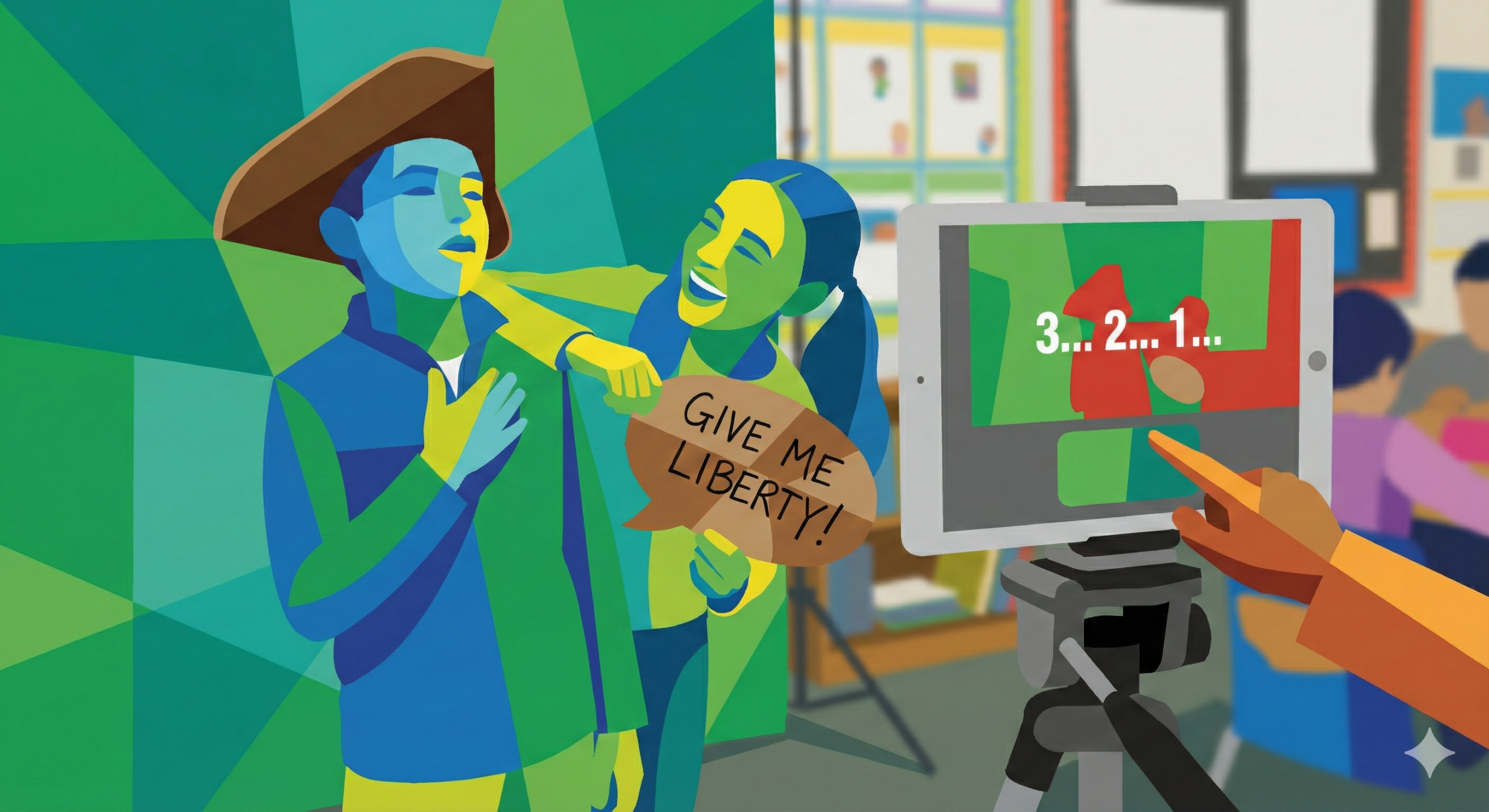
The secret to a dynamic and unforgettable classroom isn’t just in the lesson plan; sometimes, it’s in the unexpected moments of fun that fuse creativity with core learning objectives. For years, teachers have sought simple, high-impact ways to make their students the stars of their own educational journey. Enter the unsung hero of modern classroom engagement: the digital photo booth, specifically engineered for the unique environment of a school setting.
For teachers juggling administrative tasks, grading, and the relentless need to keep lessons fresh, the idea of setting up a complex media station sounds like a burden. This is where ZillaBooth changes the game. Unlike professional, cumbersome photo applications, ZillaBooth was designed with a single, clear goal for educators: make it incredibly simple and robust enough for even the youngest learners to operate independently. The result is a powerful tool that transforms ordinary classroom moments…from the first bell of the year to complex student-led projects…into high-quality, instantly shareable memories and compelling educational artifacts.The Perfect Start and Finish: First and Last Day of School Memories
Every academic year is a journey, and teachers are the first people their students meet on that path. The “First Day of School” photo is a treasured tradition, but managing thirty students, ensuring good lighting, and taking individual pictures can be a logistical headache.
Using ZillaBooth simplifies this memory-making tradition down to a science. You don’t need a complicated DSLR setup or a student volunteer with a shaky hand. Teachers can set up an iPad or tablet running the ZillaBooth app on a simple stand in the corner of the classroom. The interface is dominated by a single, massive, clearly labeled button that says “Take Photo” or “Start.” This simplicity is key. A nervous kindergartner or a fidgety third-grader can walk up, select their digital or physical prop, and press the button without needing detailed instructions. The software handles the countdown, the flash (if needed), and the automatic saving of the image into a designated, secure folder.
This setup isn’t just about speed; it’s about consistency and quality. The teacher can pre-set the background or template…perhaps a branded “Welcome to Third Grade!” frame…and every single picture taken will have the same polished, professional look. This uniformity is a dream for teachers creating class newsletters or Yearbooks. As the year progresses, the same easy process can be used for the “Last Day of School” photos, creating a stunning visual timeline that captures the growth and change in each student over nine months. Parents genuinely love this simple gift, and it requires virtually zero effort beyond the initial five-minute setup.Beyond Memories: Empowering Student-Led Projects
The real educational power of ZillaBooth is unleashed when it moves from a teacher-operated tool to a student-driven creation station. The simplicity that makes it great for “First Day” photos is precisely what makes it an invaluable resource for student projects across all subjects and grade levels. When a tool is complex, students focus on mastering the tool; when it’s simple, they focus on the content.Digital Storytelling and Character Interviews
Imagine a language arts class working on a unit about historical fiction. Instead of a standard book report, students are tasked with becoming a character from their novel. The ZillaBooth setup becomes their low-barrier recording studio. A student can put on a simple costume or hold a relevant prop, step into the frame, and, using the simple video recording mode, deliver a two-minute “interview” as the character. * The Problem: Traditional video recording involves confusing settings, long upload times, and complex editing software.
* The ZillaBooth Solution: Students simply tap the “Video” mode, press “Start,” and the recording begins. The files are instantly and clearly saved. The lack of complex editing options is a feature, not a bug, as it forces students to focus on clear, concise presentation and improvisation, key public speaking skills.Making Social Studies Come Alive
History comes alive when students step into the shoes of the past. For a unit on the American Revolution, a group of fifth graders could use the booth to create a series of “Wanted” posters for historical figures. They take a high-contrast photo using a preset filter in ZillaBooth, print it out, and then hand-draw the historical context onto the printed image. For a high school class, students might use the video mode to create short, mock “news reports” from the front lines of a historical event, using a green screen backdrop (easily managed by the software) to superimpose a setting from the time period. The uncomplicated nature of the app ensures that the 18th-century powdered wig or the solemnity of the Gettysburg Address isn’t lost in a technical struggle.STEM and Visual Documentation
Even in science and mathematics, ZillaBooth can be used for visual documentation. For a physics class working on a presentation about trajectory, the students can use the rapid-fire burst mode to capture a sequence of a projectile launch, using the resulting images for slow-motion analysis in their report. In a biology class, a student could record a time-lapse video of a plant growth project, using the device’s consistent framing to ensure the final product is clean and professional. The easy file management and instant saving mean less class time wasted on troubleshooting and more time spent on the actual learning.The Pedagogical Pillars: Why This Works
The classroom photo booth is more than just a novelty; it is supported by sound educational principles.1. Increased Engagement and Ownership: When students are actively involved in the creation of media, their investment in the topic skyrockets. The chance to be physically “on camera” provides a powerful motivational hook. It turns passive information consumption into active, performative learning.
2. Developing Digital and Presentation Literacy: In the modern economy, the ability to present information clearly and professionally is non-negotiable. ZillaBooth offers a safe, structured environment for students to practice these critical skills. They learn about framing, lighting (even simple phone flash use), and the importance of a clean final product without the intimidation of professional-grade software.
3. Fostering Collaboration: Whether a group is staging a historical scene or designing a photo template, the booth becomes a hub of collaborative activity. Students must communicate, assign roles, give feedback, and work together to achieve a high-quality visual outcome, reinforcing teamwork skills.
4. Accessibility and Equity: Traditional media projects can be hampered by access to high-end devices or software. Because ZillaBooth runs efficiently on standard, common school-provided tablets and smartphones, it levels the playing field. The simple interface also makes it accessible for students with diverse learning needs or those who struggle with fine motor skills required for more complex apps. The large buttons and clear visual feedback minimize frustration and maximize successful interaction.The Teacher’s Quick Setup Guide
Getting your ZillaBooth station operational is designed to be a one-time setup that takes less than five minutes.
1. The Hardware Base: You only need a stable tripod or stand for a tablet or phone and a secure power source. Positioning is everything: choose a corner with decent ambient light, though the app’s ability to force the flash means low light is not a barrier to quality.
2. The Backdrop Strategy: Keep it simple. A seamless roll of colored paper (e.g., black or white) tacked to the wall works perfectly. Alternatively, for next-level projects, utilize the built-in green screen functionality by hanging a simple piece of green fabric. ZillaBooth handles the digital substitution effortlessly.
3. The App Settings: Lock it Down: The teacher’s secret weapon is ZillaBooth’s ability to lock the interface. Once you set the mode (Photo, Video, or GIF) and select the desired template or filter, you can lock the screen so students can only see the main “Start” button. This prevents accidental setting changes and keeps the workflow focused and reliable, even through multiple class periods.
4. Prop Organization: Physical props (silly hats, oversized glasses, speech bubbles on sticks) should be stored in a labeled bin next to the booth. For digital props, pre-load ZillaBooth with classroom-relevant overlays (e.g., graduation caps for a career day, molecule diagrams for a chemistry assignment).Next-Level Classroom Ideas| Grade Level | Core Subject | Project Idea | ZillaBooth Feature Used |
| :————– | :————— | :——————————————————————————————————————————————————————————- | :——————————————— |
| K-2 | ELA/Reading | The Book Reviewer: Students stand next to a printed book cover and give a short, one-sentence video review of the book they just read. | Simple Video Mode, Large Start Button |
| 3-5 | Social Studies | Historical Figure Reenactment: Students dress as a famous explorer or pioneer and record a short video “diary entry” from their journey. | Background Green Screen, Video Countdown |
| 6-8 | Science | Ecosystem Models: Students create a miniature ecosystem and use the Time-Lapse mode to show a week’s worth of change, then add the resulting clip to their presentation. | Time-Lapse Function, Auto-Save to Folder |
| 9-12 | ELA/Art | Poetry or Theatrical Monologue: Students use the photo booth area to record a dramatic reading, experimenting with high-contrast Filters to match the mood of the text. | High-Resolution Photo, Manual Filter Selection |
The modern classroom is a dynamic place that demands engaging tools capable of keeping pace with student curiosity and technological expectations. By integrating the simple, student-friendly power of ZillaBooth, teachers aren’t just adding a fun gadget to their room; they are fundamentally simplifying the process of high-quality memory creation and transforming the way students capture, create, and communicate their learning. The focus shifts from the complexity of technology to the unlimited potential of the student’s imagination. It’s time to move the desk out of the corner, set up a backdrop, and let the classroom chronicles begin.