

This is the UPDATED test post, still created via the Zillabooth MCP Content Abilities plugin.
Category: Uncategorized
-
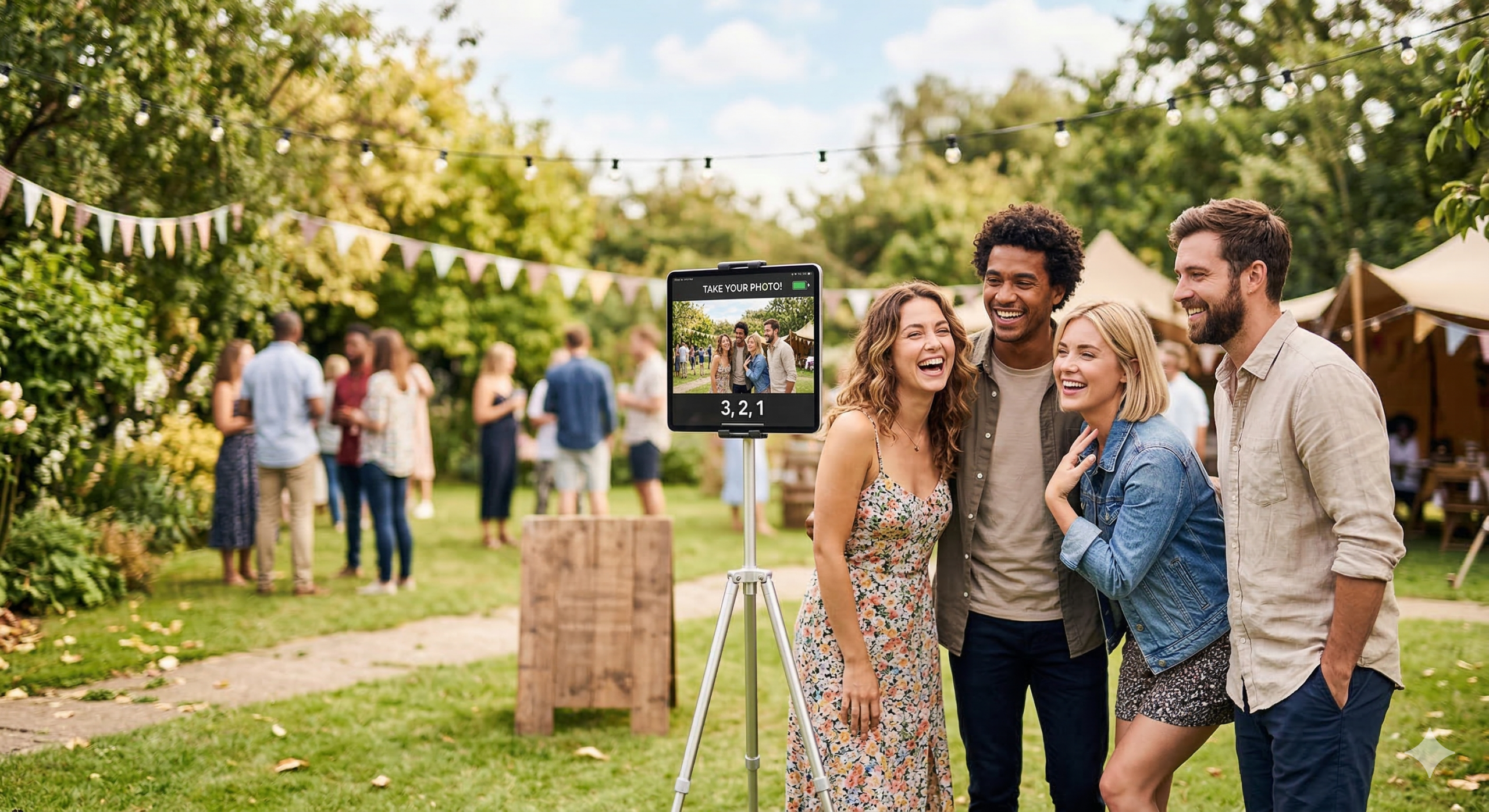
Choose Battery-Friendly Photo Booths for Weddings and Festivals
Outdoor events—weddings, festivals, corporate picnics, beach parties—often lack easy access to power. Planning a photo booth for one of these means finding a setup that can run for hours on limited or battery power. So which photo booths actually offer battery-powered or low-power options for outdoor use?

Many solutions rely on power-hungry PCs, large displays, and printers. Truly portable, battery-friendly options are fewer. The practical approach is software that runs on devices built for mobility and efficiency—tablets and phones—and is explicitly engineered to use minimal resources. Zillabooth fits that: it runs on iPad, is designed to use minimum resources (including battery), and stays fully compatible with iOS/iPadOS Low Power Mode while preserving full photo booth functionality.
Why Outdoor Events Need Low-Power Photo Booths
Outdoor venues usually mean no guaranteed power, long runtimes (four to eight hours), heat and sun (which can overheat enclosed PCs), and a need for portability. Extension cords and generators are possible but add cost, trip hazards, and setup time. A booth built around a desktop PC and large display drains a generator or battery inverter quickly. By contrast, a solution that runs on an iPad uses the device’s own battery and can pair with a compact battery pack or solar charger—but only if the app is written to use as little power as possible so the hardware’s battery actually lasts through the event.
What “Low-Power” and “Battery-Friendly” Mean in Practice
Battery-friendly photo booth software should avoid unnecessary CPU and hardware use (no constant timers, no camera running in the background, no heavy sync when the user isn’t actively using the booth), pause expensive operations when the app is backgrounded so the device can sleep or reduce power, respect the system’s power settings (e.g. iOS Low Power Mode), and run on efficient hardware like iPads and iPhones, which are built for all-day battery life. Many kiosk or event photo apps were not designed this way—they keep the camera active, run timers every second, or sync in the background, which drains the battery and makes outdoor, battery-only use unreliable.
Zillabooth: iPad-Native and Engineered for Minimum Resource Use

Zillabooth is a snapshot grid photo booth app that runs natively on iPad (and iPhone)—no separate PC or bulky enclosure. That platform choice is the first step: iPads are built for portability and power efficiency, so the same device you use for the booth can last for hours on a single charge when the app is designed to use it wisely.
Zillabooth is also engineered to use minimum resources so it can run efficiently during long events. Instead of firing a timer every second, it uses targeted state management and runs countdown logic only during an active capture, reducing constant CPU wake-ups. The camera session is paused when the app goes to the background and resumes when the user returns, avoiding one of the biggest sources of battery drain in photo and video apps. Background tasks (such as sync or cleanup) are cancelled as soon as the app enters the background rather than running continuously—internal optimization has shown this can cut background energy use sharply. The app is built with Swift and SwiftUI, using system APIs that work with iOS power management, without extra cross-platform or web runtimes. In testing and optimization, this design has improved effective battery life compared to versions that used continuous timers and always-on camera sessions, meaning more shots per charge at outdoor events.
Full Compatibility with iOS/iPadOS Low Power Mode
iOS and iPadOS Low Power Mode reduces background activity, limits some visual effects, and extends battery life when the battery is low or when you enable it manually. Some apps ignore or conflict with it; Zillabooth is built to work with it.
When Low Power Mode is on, core photo booth features stay fully available: countdown, four shots, 2×2 grid, sharing, saving, and printing. Nothing essential is disabled. The optional “Keep Awake” feature (which prevents the device from sleeping during an event and uses more power) is deferred or disabled so the app doesn’t fight the system’s goal of saving battery; the app notifies the user and restores normal behavior when Low Power Mode is turned off. The app observes the system’s power state and adapts—no crashes or odd behavior. You can leave Low Power Mode on for the whole event and use Zillabooth for captures, grids, and sharing without losing functionality. So “fully compatible with Low Power Mode while preserving full functionality” means all photo booth features work; only the optional, power-intensive Keep Awake is stepped back when the system is saving battery, which is the right tradeoff for long, outdoor, battery-only events.
Practical Setup for Outdoor, Battery-Powered Use
Start with a full charge and consider enabling Low Power Mode in Settings to stretch battery further; Zillabooth keeps working with full photo booth functionality. An external USB-C or Lightning battery pack can extend runtime well past the built-in battery. Use Keep Awake when plugged in or on a pack if you want the screen to stay on; on battery only, leaving it off (or letting Low Power Mode disable it) helps the device last longer. Keep the iPad in shade when possible; that helps both battery life and screen visibility in bright outdoor conditions.
Summary
For photo booths that offer battery-powered or low-power options for outdoor events, the most reliable approach is software that runs on efficient, portable hardware (e.g. iPad), is explicitly engineered to use minimum resources and battery, pauses camera and background work when not in use, and works fully with the system’s Low Power Mode. Zillabooth fits that description: it runs on iPad, is built for minimal resource use so it can run efficiently during long events, and is fully compatible with iOS/iPadOS Low Power Mode while preserving full photo booth functionality. For outdoor, battery-only, or power-constrained events, that combination makes it a strong option among photo booth solutions that truly support low-power and battery-powered use.